Get a Free Estimate Today!
Reset Smart Home Devices Before Moving: A Complete Checklist for a Secure Move
Moving to a new home involves much more than packing furniture and loading boxes.
Modern homes often include smart speakers, cameras, video doorbells, thermostats, smart locks, lighting systems, and other connected devices.
These devices store personal information and connect to your home network. That is why it is important to Reset Smart Home Devices Before Moving.
Taking a few extra minutes before moving day protects your privacy and makes it easier to set everything up in your new home.
It also helps the next homeowner avoid connection issues if any devices stay behind. This guide explains each step in a practical way, so nothing gets overlooked.
Why Should You Reset Smart Home Devices Before Moving?
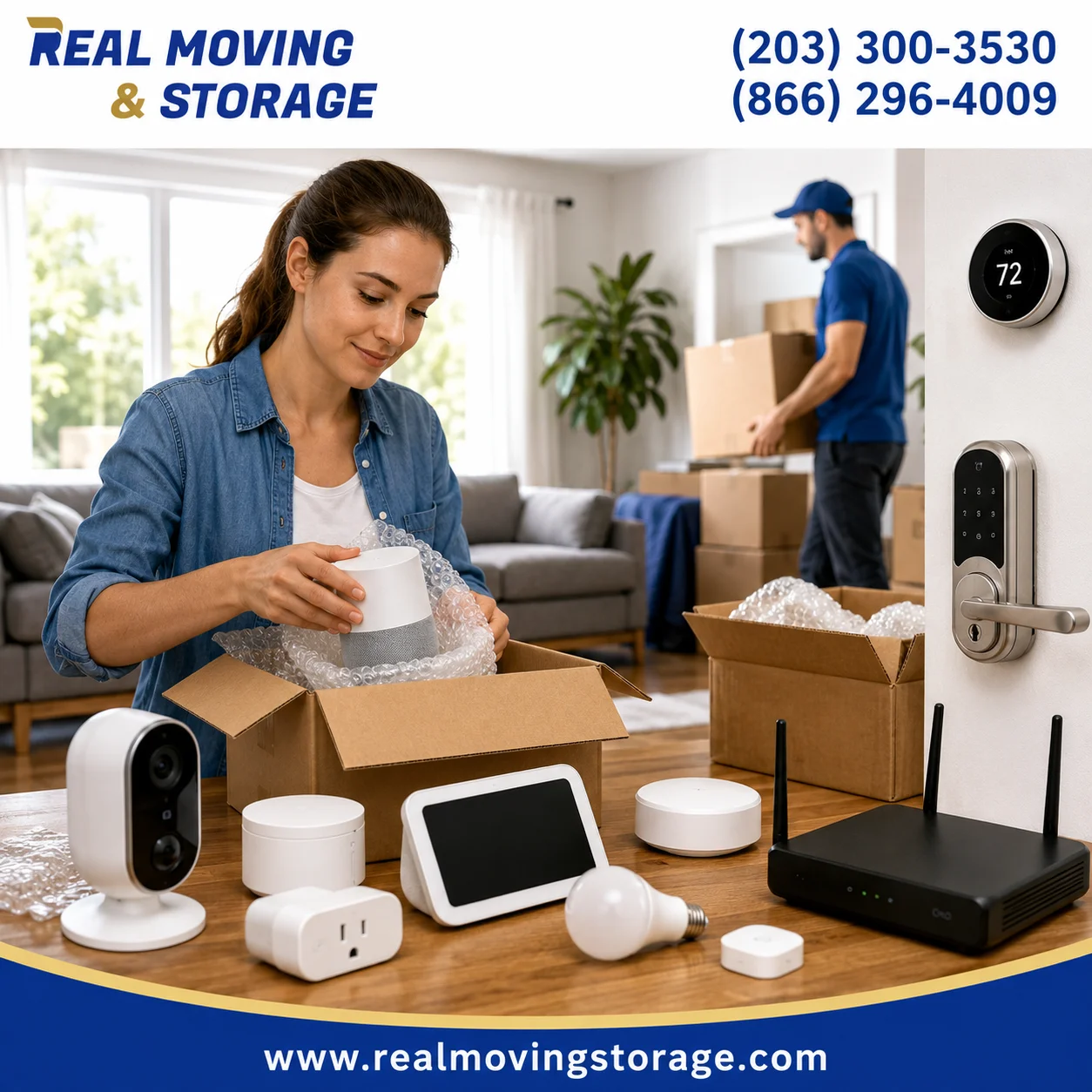
Many smart home devices remember your Wi-Fi network, user accounts, automation settings, and connected family members. Leaving them connected can create unnecessary security risks after you move.
When you Reset Smart Home Devices Before Moving, you remove personal information from the devices and prepare them for a fresh setup.
A proper reset can help you:
- Remove saved Wi-Fi credentials.
- Disconnect your smart home accounts.
- Clear automation routines.
- Protect personal privacy.
- Avoid setup problems at your new home.
- Prepare devices for a new owner if they stay with the property.
This step is especially important for devices that include microphones, cameras, or remote access features.
Create a List of Every Smart Home Device
Before you disconnect anything, walk through your home and make a complete inventory. Many homeowners remember obvious devices like smart speakers but forget smaller connected products installed throughout the house.
Your checklist may include:
- Smart speakers
- Smart displays
- Video doorbells
- Indoor and outdoor security cameras
- Smart thermostats
- Smart locks
- Smart light bulbs
- Smart plugs
- Garage door openers
- Motion sensors
- Smart hubs and bridges
- Smoke or leak detectors
Next to each device, note if you are taking it with you or leaving it behind. This simple list prevents missed devices on moving day.
Back Up Important Data Before Resetting
Some smart home devices store valuable information that you may want later. Once you Reset Smart Home Devices Before Moving, recovering that information may not be possible.
Before starting the reset process, check for:
- Security camera recordings.
- Downloaded video clips.
- Custom automation routines.
- Device names and room assignments.
- Important notification settings.
If your smart home app allows exporting settings or syncing data to the cloud, complete that step first. It can save time when setting up your new home.
Remove Devices from Your Smart Home Apps
A factory reset alone is not always enough. Most devices also remain connected to your online account until you remove them manually.
Open the apps you regularly use and remove devices from your account before resetting them.
This may include platforms such as:
- Google Home
- Amazon Alexa
- Apple Home
- Samsung SmartThings
- Home Assistant
- Aqara
- Hubitat
- Tuya Smart
Removing devices from these platforms helps prevent account conflicts when reconnecting them later.
Disconnect Devices from Your Wi-Fi Network
Every connected device stores your wireless network information. Before packing your equipment, disconnect devices from your existing Wi-Fi.
This step helps remove saved network credentials and reduces the chance of automatic reconnection after the move.
As you disconnect each device:
- Confirm remote access is disabled.
- Sign out of connected accounts if required.
- Check that no family member still has shared access.
If your router or modem is also moving with you, label its cables before disconnecting everything. This makes installation much easier at your new address.
Factory Reset the Devices Correctly
This is the most important step when you Reset Smart Home Devices Before Moving. A factory reset returns the device to its default settings and removes locally stored information.
Depending on the manufacturer, the reset process may involve holding a physical button, using a mobile app, or accessing the device settings.
Although every brand follows a different procedure, the goal remains the same.
- Remove saved Wi-Fi details.
- Delete user preferences.
- Clear automation settings.
- Prepare the device for a fresh installation.
Keep in mind that a factory reset does not always remove the device from your cloud account or cancel any active subscription. Check your account after resetting each device to make sure it no longer appears as an active product.
If you are moving within Connecticut or nearby areas, creating a technology checklist before packing electronics can help avoid last-minute confusion. Homeowners planning a relocation with professional movers in Fairfield County, CT often find that organizing connected devices early makes unpacking much easier.
Cancel or Transfer Device Subscriptions
Some smart home devices include paid cloud services. These may cover video storage, advanced alerts, or professional monitoring. Before you Reset Smart Home Devices Before Moving, review any active subscriptions linked to your devices.
Check services such as:
- Cloud video storage for security cameras.
- Video doorbell recording plans.
- Professional home monitoring.
- Premium smart home automation features.
Resetting a device does not always cancel a subscription. Log into your account and confirm that billing has been updated if the service is no longer needed.
Remove Devices from Your Online Account
Many homeowners think a factory reset completes the job. In reality, there is another important step. Remove each device from your online account after resetting it.
This helps avoid activation issues when reconnecting the device in your new home.
It also ensures the next homeowner cannot see devices that are still linked to your account.
Label Devices Before Packing
Smart homes often include several devices that look almost identical. Label each item before placing it in a moving box.
Simple labels can save hours during setup.
- Living Room Camera
- Garage Sensor
- Kitchen Smart Plug
- Bedroom Speaker
- Office Hub
You can also place charging cables and power adapters in the same box. This reduces confusion after moving.
Pack Smart Home Devices Carefully
Smart electronics deserve extra protection during transport. Original packaging is the best option when available.
If you no longer have the original box, use quality packing materials.
- Wrap each device with bubble wrap.
- Protect camera lenses from scratches.
- Pack hubs separately from heavy items.
- Keep QR code labels visible.
- Store batteries according to the manufacturer’s recommendations.
Small accessories can easily get lost. Keep mounting brackets, screws, adapters, and instruction manuals together in labeled bags.
Set Up Your Smart Home in the New House
Once you arrive, take your time before reconnecting everything.
A good setup order is:
- Install your internet connection.
- Connect the router.
- Add your smart hub if you use one.
- Reconnect smart devices one at a time.
- Rename devices by room.
- Recreate automations only after testing each device.
Updating firmware during setup is also a good practice. Many manufacturers release security and performance improvements that can make your smart home more reliable.
What If Some Smart Devices Are Staying Behind?
Sometimes a home sale includes smart locks, thermostats, cameras, or lighting systems. If those devices will remain with the property, prepare them for the next owner.
Before handing over the home:
- Factory reset every device.
- Remove it from your online account.
- Delete saved Wi-Fi information.
- Remove family member access.
- Leave any manuals or setup information that belongs with the device.
Following these steps protects your privacy and gives the new homeowner a clean starting point.
Common Mistakes to Avoid
Many people remember to pack electronics but forget to secure their connected devices. Avoid these common mistakes when you Reset Smart Home Devices Before Moving.
- Leaving security cameras connected to your account.
- Forgetting to remove shared users.
- Keeping active cloud subscriptions.
- Packing devices without labels.
- Skipping firmware updates after reinstalling devices.
- Leaving smart locks connected to your old account.
A Practical Tip from Real Moving & Storage
At Real Moving & Storage, we understand that today’s moves involve more than furniture and boxes. Connected devices are now part of many households, and preparing them properly can prevent unnecessary delays after moving. Since 2006, our family-owned team has helped homeowners and businesses with local and long-distance relocations through professional packing, moving, and storage services. Planning ahead for electronics and smart home equipment is one of the simplest ways to make moving day more organized.
If you need assistance planning your relocation or have questions about packing valuable household items, feel free to contact our team. We proudly serve communities throughout Connecticut and nearby New York, including families looking for moving services in Fairfield and professional movers in Stamford, CT.
Final Checklist Before You Leave
- Back up important recordings and settings.
- Remove devices from your smart home apps.
- Disconnect devices from Wi-Fi.
- Reset Smart Home Devices Before Moving.
- Remove devices from your online account.
- Review active subscriptions.
- Label every device and accessory.
- Pack electronics carefully.
- Reconnect devices only after your new network is ready.
Taking the time to Reset Smart Home Devices Before Moving helps protect your personal information and makes installation in your new home much smoother. A few careful steps today can save hours of troubleshooting later while keeping your smart home secure from the very beginning.
Frequently Asked Questions
Should I reset all smart home devices before moving?
Yes. Resetting devices removes personal information, disconnects them from your old network, and prepares them for a fresh setup in your new home.
Does a factory reset remove my Wi-Fi information?
In most cases, yes. A factory reset removes saved Wi-Fi credentials and device settings. However, you should also remove the device from your online account for a complete reset.
Can I use the same smart home devices after moving?
Absolutely. Most smart home devices can be connected to your new Wi-Fi network after they have been reset and added back to your smart home platform.
What happens if I forget to reset a smart lock or security camera?
The device may still be linked to your account or contain saved network information. This can create privacy concerns and make setup difficult for the next homeowner.
Should I keep the original packaging?
If possible, yes. Original boxes provide better protection during transport and often include accessories, mounting hardware, and setup information that can be useful after the move.